Adobe After Effects Review – Features, Pricing, Pros & Cons
Introduction to Adobe After Effects
Adobe After Effects is one of the most powerful motion graphics and visual effects software tools used in the film, television, advertising, and digital media industries. Developed by Adobe, After Effects has become the industry standard for creating animations, motion graphics, cinematic effects, and compositing visual elements for video production.
Since its first release in 1993, After Effects has evolved significantly with improved performance, new visual effects tools, and artificial intelligence capabilities. The software is part of the Adobe Creative Cloud ecosystem, which allows seamless integration with applications such as Adobe Premiere Pro, Adobe Photoshop, and Adobe Illustrator.
Today, After Effects is widely used by filmmakers, video editors, motion designers, YouTubers, marketing agencies, and content creators around the world. Whether you want to design animated titles, create cinematic visual effects, animate logos, or produce professional motion graphics, Adobe After Effects provides the tools needed to bring creative ideas to life.
In this detailed review, we will explore Adobe After Effects features, performance, user interface, pricing, advantages, and disadvantages to help you determine whether it is the right motion graphics software for your needs.
Key Features of Adobe After Effects
1. Professional Motion Graphics Tools
One of the biggest strengths of Adobe After Effects is its powerful motion graphics capabilities. Motion designers use the software to create animated titles, graphics, transitions, and visual elements used in videos, films, and advertisements.
Some popular motion graphics tools include:
- Animated typography and title design
- Shape layers and vector animation
- Keyframe-based animation system
- Motion paths and easing controls
- Custom animation presets
These tools make After Effects ideal for creating engaging animations for YouTube videos, marketing campaigns, and television content.
2. Advanced Visual Effects and Compositing
Adobe After Effects is widely known for its advanced compositing and visual effects tools. These capabilities allow creators to combine multiple video layers, apply effects, and produce cinematic scenes.
Some of the most popular visual effects features include:
- Green screen removal using Keylight
- Particle effects and simulations
- 3D camera tracking
- Rotoscoping and masking tools
- Object and motion tracking
These tools are frequently used in film production, television shows, advertising campaigns, and high-end video projects.
3. Layer-Based Editing System
Like Adobe Photoshop, After Effects uses a powerful layer-based workflow. Each visual element is placed on a separate layer, allowing users to edit and animate components independently.
With layers, creators can:
- Animate elements separately
- Apply effects to specific objects
- Combine images, videos, and graphics
- Control animation timing and movement
This non-destructive workflow gives designers full control over complex compositions and makes the editing process more flexible.
4. AI-Powered Editing Tools
Adobe has integrated artificial intelligence technology through Adobe Sensei, which helps automate complex editing tasks and improves workflow efficiency.
Some useful AI-powered tools include:
- Content-Aware Fill for Video – Automatically removes unwanted objects from footage.
- Roto Brush Tool – Quickly isolate subjects from backgrounds.
- Auto Reframe – Automatically adjusts video framing for different aspect ratios.
- Scene Edit Detection – Detects cuts in imported videos.
These features save time and make advanced visual effects easier to achieve.
5. 3D Animation and Camera Tools
Adobe After Effects also supports 3D animation features that allow creators to add depth and perspective to their projects.
Important 3D tools include:
- 3D layers and transformations
- Virtual camera controls
- Depth of field effects
- Lighting and shadow tools
- Integration with Cinema 4D Lite
These tools allow motion designers to create cinematic animations and immersive visual environments.
6. Integration with Adobe Creative Cloud
One of the biggest advantages of After Effects is its seamless integration with other Adobe Creative Cloud applications.
For example:
- Video sequences can be imported directly from Adobe Premiere Pro.
- Vector graphics from Adobe Illustrator can be animated in After Effects.
- Images edited in Adobe Photoshop can be used as motion design assets.
This workflow integration helps professionals work faster and maintain consistency across creative projects.
Performance and System Performance
Adobe After Effects is optimized for modern hardware and supports GPU acceleration, which improves rendering performance and playback speed.
Performance features include:
- Multi-frame rendering for faster exports
- GPU acceleration for effects processing
- Efficient caching system
- Smoother preview playback
However, because After Effects is a professional-level tool, complex compositions with many layers may require a powerful computer with high RAM and a modern graphics card.
User Interface and Ease of Use
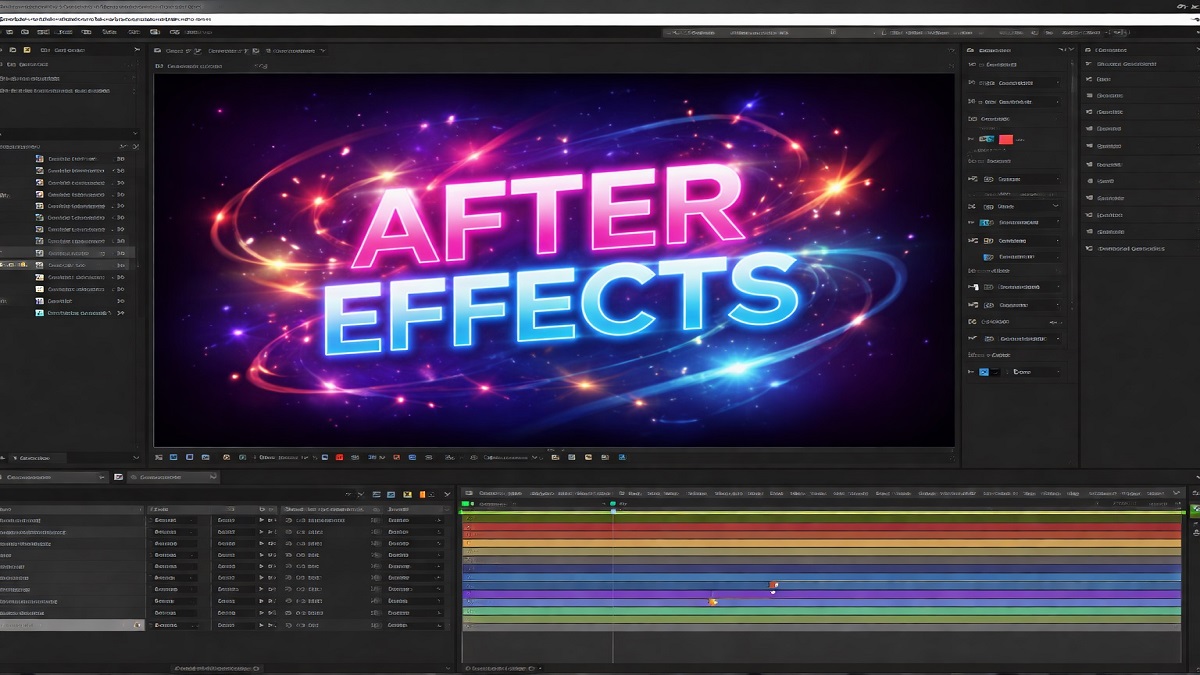
The After Effects interface is designed for professional workflows and includes several customizable panels that help organize projects and control animations.
Main interface components include:
- Timeline panel for animation control
- Composition window for previewing designs
- Project panel for managing assets
- Effects and presets panel
Although the interface may feel complex for beginners, Adobe provides tutorials and learning resources that make it easier to learn the basics of motion graphics and visual effects.
Who Should Use Adobe After Effects?
Motion Designers
Motion designers use After Effects to create animated graphics, logo animations, and visual effects for professional videos.
Filmmakers
Film production teams use After Effects for compositing scenes, visual effects, and cinematic animation sequences.
Content Creators
YouTubers and social media creators use After Effects to design animated intros, transitions, and engaging video graphics.
Marketing Teams
Advertising agencies use After Effects to produce promotional videos, branded animations, and digital advertisements.
Pros of Adobe After Effects
- Industry-leading motion graphics software
- Powerful animation and visual effects tools
- Advanced compositing capabilities
- AI-powered automation features
- Strong integration with Adobe Creative Cloud
- Large ecosystem of plugins and presets
- Used widely in film, television, and marketing
Cons of Adobe After Effects
- Steep learning curve for beginners
- Requires powerful hardware for complex projects
- Rendering can take time for large compositions
- Subscription-based pricing model
Pricing and Subscription
Adobe After Effects is available through the Adobe Creative Cloud subscription service. Users can select different plans depending on their requirements.
Popular subscription options include:
- After Effects single-app plan
- Creative Cloud all-apps plan
- Student and education plans
The single-app plan typically costs around $20–25 per month, although pricing may vary depending on region and promotional offers.
Adobe also provides a free trial, allowing users to test the software before purchasing a subscription.
Final Verdict: Is Adobe After Effects Worth It?
Adobe After Effects remains one of the most powerful tools available for motion graphics, visual effects, and professional video animation. Its extensive feature set, AI-powered automation tools, and seamless integration with the Adobe Creative Cloud ecosystem make it an essential application for video professionals and motion designers.
Although the software can be challenging for beginners and requires a capable computer system, the creative possibilities it offers are nearly unlimited. From animated titles and logo animations to complex visual effects used in movies and television, After Effects provides the tools necessary to produce professional-quality results.
For filmmakers, video editors, designers, and digital creators who want to create advanced animations and cinematic visual effects, Adobe After Effects remains one of the best motion graphics applications available today.